You've spent hours on the copy. The design looks sharp. You hit send. Then the opens trickle in at 4%, and you wonder what went wrong.
Nine times out of ten, email deliverability isn't about the message itself. It's about what happens before the message even leaves your platform. ISPs evaluate your sending infrastructure, your list quality, your engagement history, and a dozen other signals before deciding whether your email earns a place in the inbox or gets shuffled to spam.
This checklist walks through 15 things worth fixing before your next campaign. None of them take more than an hour. Most take far less. Skim it, fix what you've been ignoring, and watch your placement improve.
Authentication & Infrastructure
1. Authenticate Your Sending Domain with SPF, DKIM, and DMARC
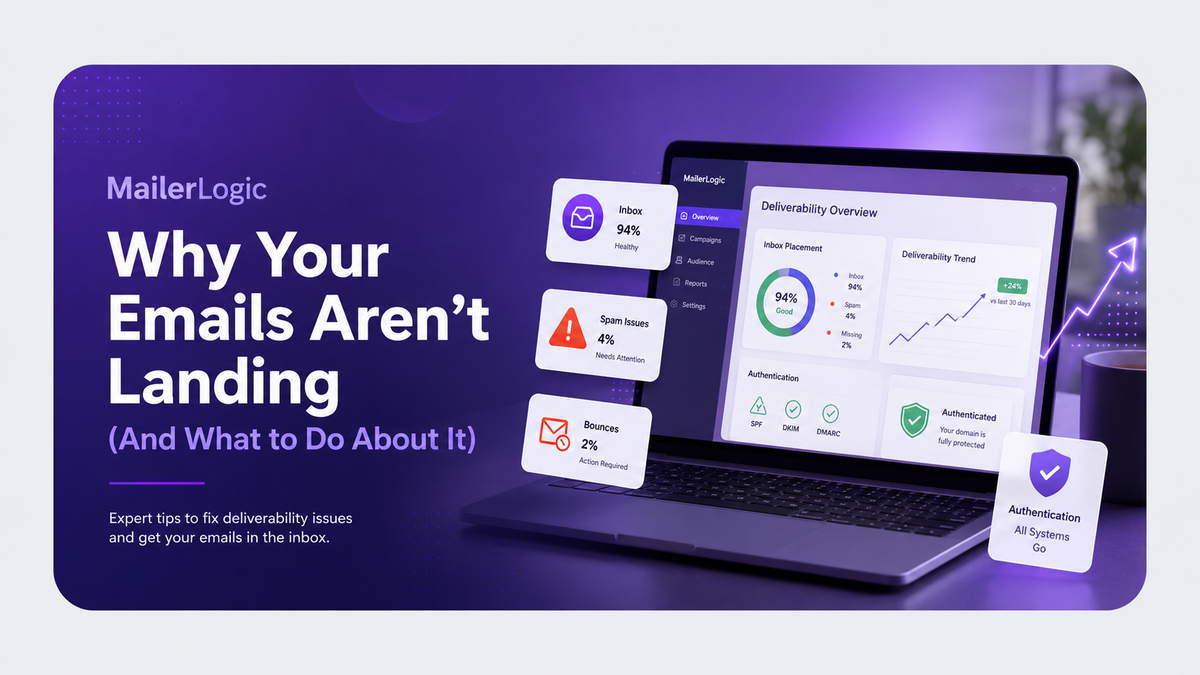
If you haven't set up SPF, DKIM, and DMARC, stop reading and fix that first. These three records tell receiving mail servers that you are who you say you are. Without them, you're sending unsigned mail, which inbox providers increasingly treat as suspicious.
SPF lists the IP addresses allowed to send on behalf of your domain. DKIM adds a cryptographic signature to every message. DMARC ties them together and tells receivers what to do with messages that fail. A passing DMARC record alone can lift your placement noticeably.
2. Configure a Custom Bounce Domain
By default, your ESP sends bounces from its own infrastructure, which leaves a "via your-esps-domain.com" tag next to your sender name in Gmail. That tag erodes trust at a glance.
A custom bounce domain routes bounce handling through a subdomain you control (something like bounce.yourdomain.com). The "via" label disappears, your branding stays consistent from send to bounce, and mailbox providers reward you for keeping the experience clean. Most ESPs, MailerLogic included, handle this as a quick DNS update under your domain settings.
3. Warm Up New Sending IPs Gradually
New domain, new IP, or suddenly switching to a 10x send volume? ISPs don't trust new senders by default. If you start blasting 100,000 emails from a fresh IP on day one, you'll get throttled or blocked.
Ramp up over 2–4 weeks. Start with your most engaged subscribers, prove you can deliver clean mail, then expand. Most platforms, including MailerLogic, will help you pace sends, but the strategy matters more than the tool.
4. Align Your From Name, Reply-To, and Sending Domain
Sending from "Sarah at Brand X" with a reply-to at an unrelated Gmail address is a classic spam signal. Keep the From name recognisable, the reply-to on the same root domain, and the sending domain consistent across campaigns. Inbox providers look at this trio as a unit.
List Health & Hygiene
5. Prune Inactive Subscribers Before Each Campaign
Sending to subscribers who haven't opened in 6–12 months is one of the fastest ways to tank your engagement metrics. Mailbox providers use those opens (and the lack of them) to decide if your next message is wanted.
Run a re-engagement campaign a couple of weeks before a big send. Anyone who doesn't respond gets suppressed. Your open rate jumps, your complaint rate drops, and the ISPs notice.
6. Use Double Opt-In for New Subscribers
Single opt-in lists fill up fast with typos, fake addresses, and people who didn't really want to hear from you. Double opt-in adds a confirmation step that proves the address is real and the owner wants your emails.
It reduces bounces, cuts down on spam-trap hits, and starts every relationship with a clean engagement signal. The conversion cost is real, but so is the deliverability dividend.
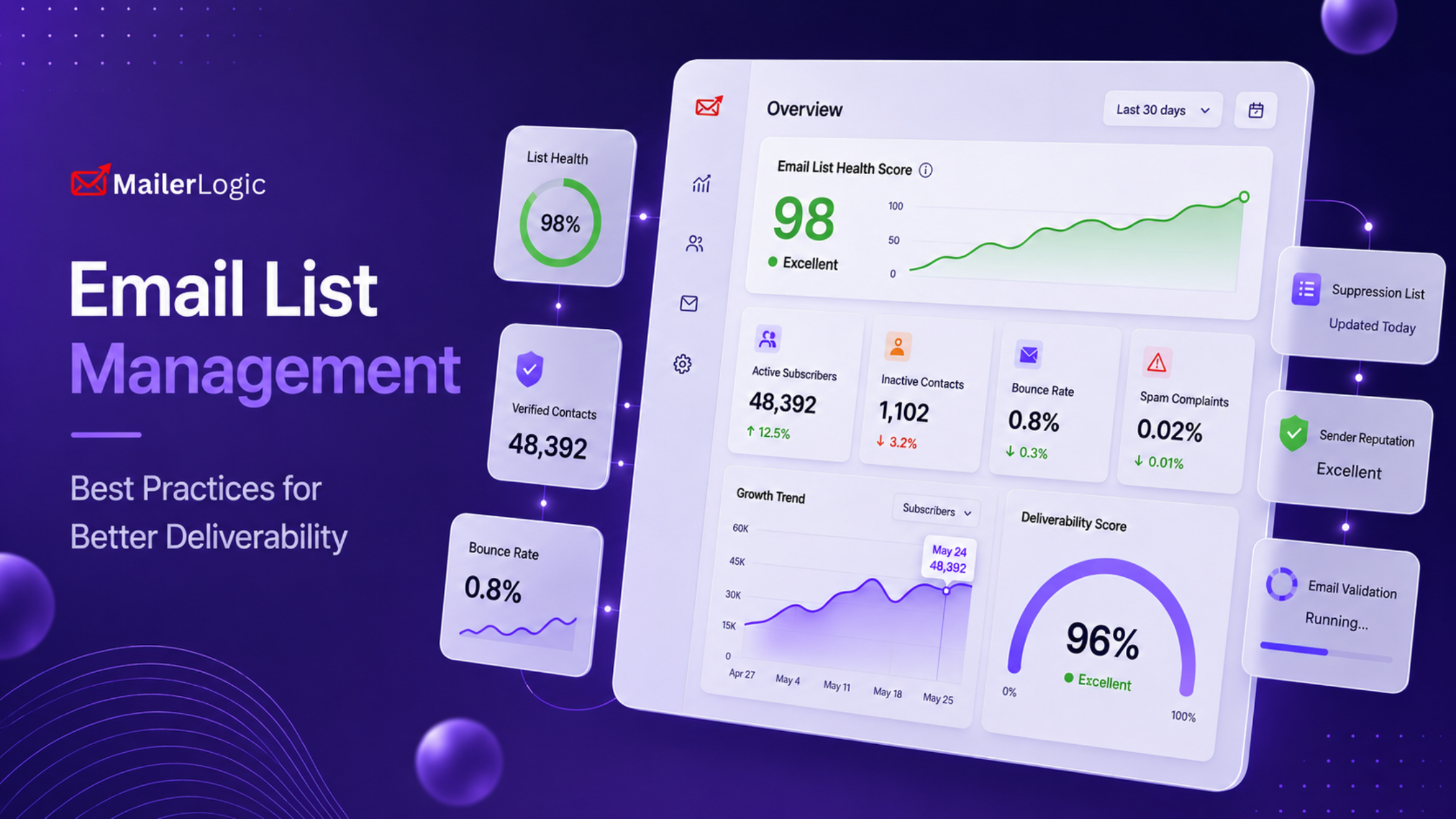
7. Monitor Your Bounce Rate (Keep It Below 2%)
Bounce rate is one of the most-cited deliverability metrics. Most experts agree that anything above 2% puts you in a risky zone, and above 5% you're actively hurting your sender reputation.
Most ESP dashboards, including MailerLogic's, show this as a rolling metric you can check in a few clicks. Set internal alerts if you want, but check the number at least once a week.
8. Handle Soft Bounces Carefully
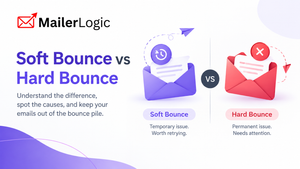
A soft bounce isn't a dead address yet, but it isn't healthy either. Things like full mailboxes, temporary server errors, and greylisting show up here. Suppress too aggressively, and you lose valid contacts. Suppress too leniently and your list rots.
The widely accepted rule is to suppress an address after three to five consecutive soft bounces. Many platforms, MailerLogic included, automate this suppression logic — worth confirming the exact threshold in your account settings rather than assuming the default matches this rule.
9. Make Unsubscribing Effortless
Hiding the unsubscribe link or requiring a login to leave your list isn't just a bad practice; it's a great way to get spam complaints, which ISPs treat as a much stronger negative signal than an unsubscribe.
Put the unsubscribe link high in the footer. Use a one-click process. Honour every request immediately. People who leave cleanly are far better for your reputation than people who stay against their will and hit "Report Spam."
10. Validate New Addresses at Signup
Real-time email validation (syntax check, MX record lookup, role-based detection) catches typos like gmial.com and disposable addresses like mailinator.com before they pollute your list. Most signup forms can integrate this in minutes.
It's a cheap filter with a high payoff. Every bad address you block at the door is one less bounce to deal with later.
Content & Send Strategy
11. Avoid Spam-Trigger Words (Especially in the Subject Line)
The classics still trigger filters: "FREE!!", "ACT NOW", "$$$," "Congratulations, you've won." So do more subtle offenders like excessive emojis, ALL-CAPS subject lines, and phishing-style urgency.
That said, modern filters are far more sophisticated than word lists. They weigh your overall sender reputation, content ratio, and engagement more heavily than any single phrase. So don't over-optimise for triggers at the cost of sounding like a human. Write for the reader, not the spam filter.
12. Balance Your Text-to-Image Ratio
A 2,000-word email made of one giant image with no alt text is a classic spam pattern. So is a wall of plain text with no formatting. The commonly cited starting point is around 60% text and 40% imagery, though independent deliverability testing suggests the ratio itself matters less than total content length. Emails under roughly 500 characters see more spam-filter friction regardless of image count, so treat 60/40 as a rough guideline, not a hard rule.
Always include alt text on images, since many clients block images by default and the alt text is what those subscribers will actually see.
13. Always Send a Plain-Text Version
Some subscribers, especially in B2B, read email in plain-text clients. Some spam filters penalise HTML-only messages. Sending both formats ensures your message reads well everywhere and gives filters less to complain about.
Most modern ESPs handle this automatically, but it's worth confirming in your account settings.

Monitoring & Maintenance
14. Set Up Webhooks for Real-Time Event Notifications
Polling your dashboard once a day to check for spikes in bounces or complaints is too slow. By the time you notice a problem, you've usually sent thousands more problematic messages.
Configure webhooks so you get a real-time ping on every bounce, spam complaint, and unsubscribe event. A good webhook payload includes the bounce type, reason, recipient, and a timestamp — enough to write a simple alert rule or feed straight into your analytics. (MailerLogic's webhooks include all four fields out of the box.)
15. Maintain Consistent Send Volume
Sudden spikes trigger ISP suspicion. So do sudden drops after a long gap. If you normally send 20,000 emails a week, don't blast 200,000 in one afternoon and then go silent for a month. Build a sending calendar and stick to it.
Predictability is underrated in deliverability. The senders who land in the inbox every time aren't doing anything magical. They're just boring, in the best possible way.
To Conclude
Deliverability is mostly hygiene, not magic. Authenticate your domain, keep your list clean, write like a human, monitor what happens after send, and don't do anything weird with your volume.
Run through this checklist before your next campaign. Knock out the items you haven't done yet, especially the authentication and bounce domain pieces, and you'll likely see better placement within a single send cycle.
The inbox isn't won by tricks. It's earned by being predictable, relevant, and well-set-up. That's the whole game.