Picking an email service provider (ESP) isn't just another SaaS purchase you tick off a list. Your sender reputation, and the revenue it unlocks, hang on this one decision. We've watched sharp marketing teams get talked into a platform by a slick feature list and a price that felt painless, only to spend months later clawing back a domain reputation that a careless ESP torched in a matter of weeks.
Don't be that team.
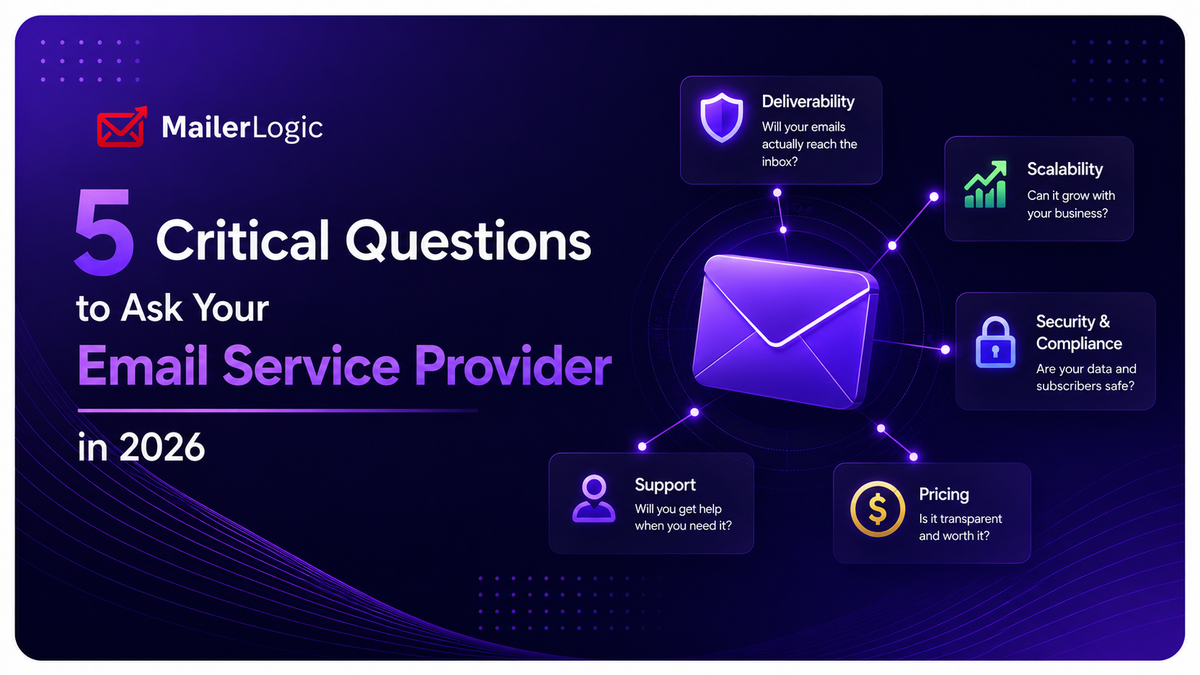
Below is our email service provider evaluation checklist for 2026: five questions to ask before you sign anything. We built this list from real conversations with marketers who switched ESPs the hard way, after a deliverability crisis, not before one. If you're comparing email marketing platforms right now, screenshot this and bring it to your next demo call.
1. How is email list quality managed?
List quality isn't a "nice-to-have" feature buried in a pricing tier. It's the entire game. A stale or bloated list does more damage than a dip in your open rate; it actively tells Gmail, Outlook, and Yahoo that you're a low-value sender. And once they've decided that, they treat you accordingly, no appeals process included.
Ask about validation and suppression specifically. Does the platform validate email addresses at the point of entry? Real-time email verification stops typos, role accounts, and spam traps before they ever poison your database. If your ESP skips this step, you're sending blind.
Then ask about bounce handling. Hard bounces should be suppressed immediately, full stop. Soft bounces should retry a few times, then get flagged for review. Manual list scrubbing is a fool's errand at any scale; your ESP should automatically suppress an address after 3–5 consecutive soft bounces without anyone lifting a finger.
Why this matters: Inbox providers like Gmail, Outlook, and Yahoo track your bounce rate on a rolling 30-day window. Cross 2–3%, and they start throttling or blocking you outright. Send 10,000 emails and let 500 bounce, and that's a 5% bounce rate, more than enough to land you in the doghouse. Proactive, automated handling keeps you safely under 1% and protects your sender reputation long before it becomes a fire drill.
What you actually want: automated bounce classification, configurable retry logic, and real-time webhooks that feed bounce events straight into your internal systems. You need total transparency into every bounced address on your list, no ifs, ands, or buts, and no waiting on a support ticket to find out why.
2. How is my brand reputation protected?
Deliverability is about more than dodging the spam folder; it's about trust infrastructure. Two mechanisms do the heavy lifting here: DMARC monitoring and custom bounce domain mapping.
DMARC monitoring is your first line of defense. DMARC (Domain-based Message Authentication, Reporting & Conformance) tells inbox providers like Gmail and Outlook exactly what to do when an email fails SPF or DKIM authentication. Without it configured and monitored, anyone can spoof your domain to send phishing emails that look like they came straight from you. Ask your ESP directly: Do you support DMARC monitoring? Can I view authentication reports in the dashboard? Will the system alert me the moment there's a sudden spike in failed authentication? If they don't have a crisp, confident answer, that's a signal to walk.
Custom bounce domain mapping is the other piece. You know that little "via" label Gmail sometimes shows next to a sender name? That's your ESP's infrastructure showing through, and it chips away at recipient trust. Custom bounce domain mapping routes your bounce traffic through your own subdomain (something like bounce.yourdomain.com) instead of the ESP's shared default. It locks your branding in place and strengthens your identity with every inbox provider you send to. Simple concept. Shockingly often overlooked.
The right answer: seamless setup for custom sending domains, bounce domains, and DKIM signing, documented step by step, not buried three levels deep in a support ticket queue. This is exactly the kind of email authentication groundwork MailerLogic bakes into onboarding, because a domain that isn't properly authenticated is a domain that's already fighting an uphill battle in the inbox.
3. How transparent is the performance data?
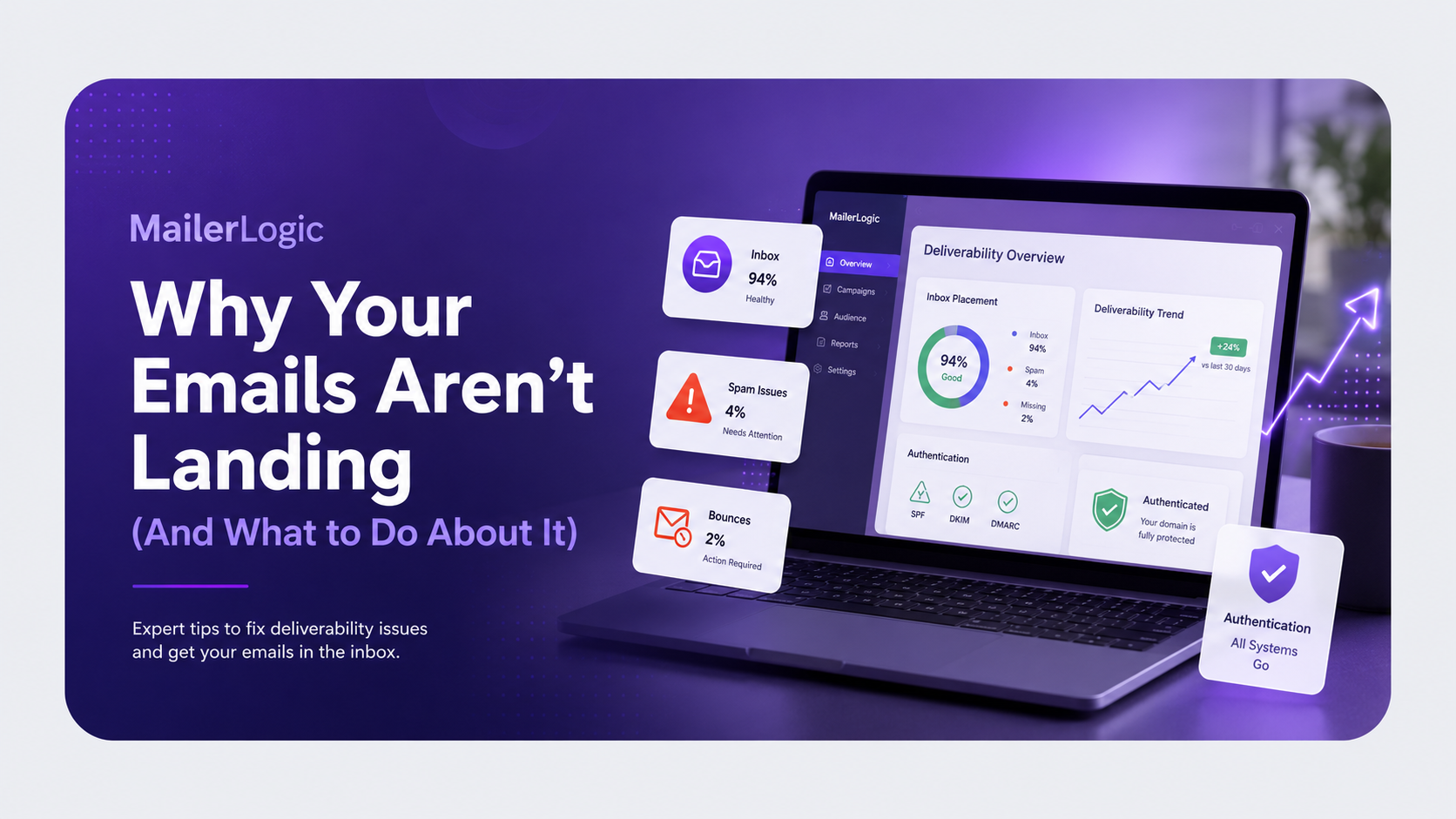
Most email marketing platforms will happily show you opens and clicks on a dashboard. But since Apple's Mail Privacy Protection reshuffled the deck, open rates are mostly vanity metrics now. What you actually need is visibility into the raw delivery mechanics underneath.
Real transparency looks like this:
- Bounce breakdowns — exact counts of hard vs. soft bounces, down to the specific addresses that failed and why.
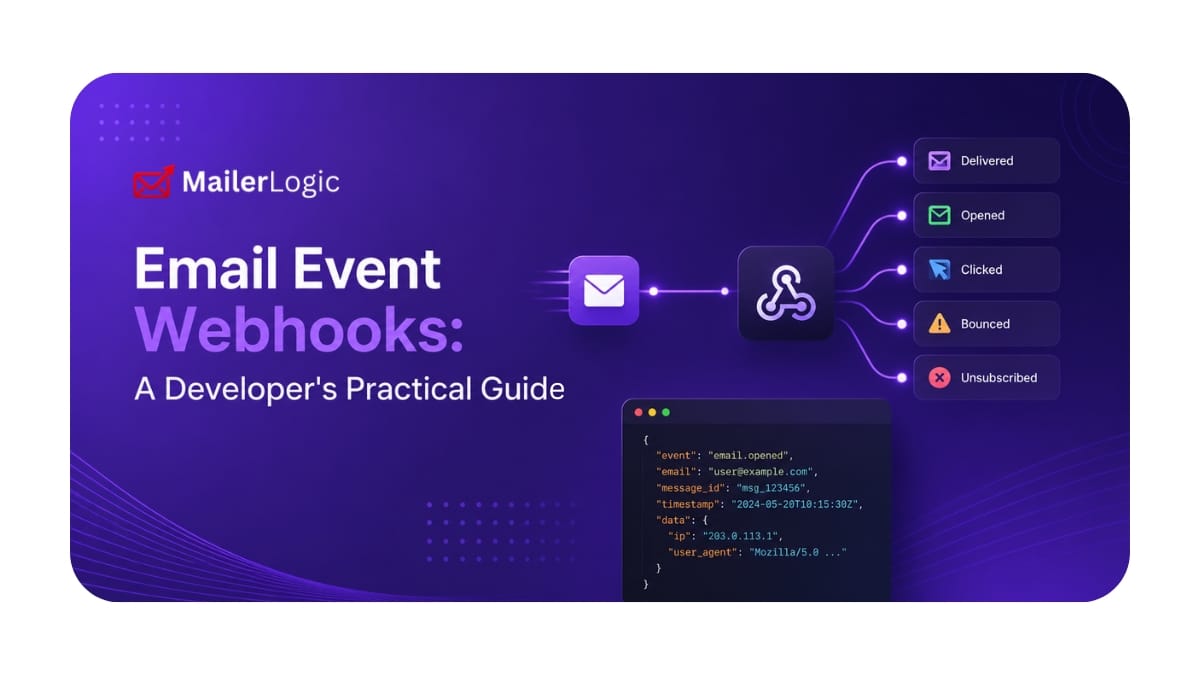
- Webhook activity — the ability to push real-time delivery events straight into your CRM or BI tools, instead of waiting on a scheduled export.
- Automation audits — a clear trail showing which contacts moved through a sequence, who got skipped, and why, right down to the rule logic that made the call.
The benchmark to look for: granular event logs, structured webhook payloads (including fields like bounce_type and reason), and bounce calculations that update hourly, not daily. If you can't see the data, you can't diagnose the problem, and by the time it shows up as a revenue dip, you're already behind.
4. What is the actual support model?
When you're vetting an email service provider, support tends to get downplayed in favor of features and price. That's a mistake. Email marketing infrastructure is deceptively complex, and between authentication misfires, webhook edge cases, and automation logic that behaves unexpectedly, you will hit roadblocks. When your sender reputation is on the line, a 48-hour response window isn't an inconvenience; it's a slow-motion crisis.
Evaluate support before you're desperate for it:
- Available channels — live chat, phone, or just a ticket form? Ask for the real SLA numbers, not the marketing page's version.
- The knowledge base test — a searchable, well-maintained help center is a decent proxy for how much an ESP invests in customer success. If the documentation on SPF, DKIM, or webhook payloads is thin, the support culture behind it probably is too.
- Response times — anything longer than 4–8 hours during a deliverability crisis is revenue quietly leaking out the door.
What you actually want: a responsive ticketing system backed by a genuinely useful knowledge base for the fast fixes, with a Technical Account Manager available for enterprise teams. That combination, fast human help plus solid self-serve docs, is the baseline we hold ourselves to at MailerLogic, because a deliverability question at 11 p.m. shouldn't have to wait until business hours.
5. Is the API developer-friendly?
B2B email doesn't live in a vacuum. Your ESP has to talk to your CRM, your data warehouse, and your product analytics stack, continuously, and without duct tape. A clunky email API delays every integration on your roadmap and drains your engineering team's patience along with it.
What your engineers actually need:
- A RESTful API with clear documentation, working code snippets, and a sandbox environment to test in before anything touches production.
- Webhook support that delivers structured JSON for delivery, bounce, open, click, and unsubscribe events, consistently, not just most of the time.
- Explicit rate limits, uptime SLAs, and documented failure/retry logic, so nobody's debugging a silent failure at 2 a.m.
- Secure authentication via OAuth or scoped API keys, not a single shared credential everyone on the team reuses.
Why this matters to marketing, not just engineering: shoddy documentation turns a two-day integration into a two-week ordeal. Missing webhook events mean your CRM quietly drifts out of sync with reality. Inconsistent API responses break automations without so much as a warning. A developer-friendly ESP is a marketing superpower in disguise; it's the difference between campaigns that ship on schedule and ones stuck in an engineering backlog.
The right answer: the API should be treated as a first-class product, not an afterthought bolted onto the dashboard. Insist on a sandbox environment where your team can experiment with the email API and inspect real webhook payloads before you hand over a single dollar.

Decision Framework: Is Your ESP the Right Fit?
Use this ESP checklist to avoid the most common traps in B2B email marketing. Score your current provider, or the one you're evaluating, against these five pillars.
| Category | Critical Requirement |
|---|---|
| List Quality | Automated validation, classification, and suppression |
| Brand Protection | DMARC monitoring and custom bounce domains |
| Transparency | Granular delivery data and real-time webhooks |
| Support | Deep knowledge base and fast ticket response |
| API & Integrations | Developer-friendly REST API and sandbox access |
If a provider misses on two or more of these, the long-term cost, in lost deliverability, damaged sender reputation, and engineering frustration, will eat alive any upfront savings on the invoice. Honestly, we'd walk if a platform can't nail list quality and transparency. Those two aren't negotiable.
Test It Before You Trust It
Don't trust the marketing page, trust the trial. Configure a bounce domain, send to a small test list, set up a webhook, and open a real support ticket with a real question. The experience reveals everything a feature list hides. Your sender reputation lives in the details, so test them ruthlessly before you commit.
If you'd rather skip the trial-and-error, that's the exact experience MailerLogic was built around: validated lists, DMARC monitoring, transparent webhook data, responsive support, and a developer-first API, all in one place. Start a free trial and put it through the same five questions above; we'd expect nothing less.