Spam filters have moved well past hunting for words like "FREE!!!". They now weigh your authentication records, sender reputation, engagement, link quality, and even how your HTML is built. One weak signal can push an otherwise good email into Promotions or Junk.
A spam score checker helps you catch those problems before your subscribers do. This guide covers what a checker measures, how to run one, how to read the results (including the confusing part: which direction the score runs), and what to fix first. We'll also show where MailerLogic's Deliverability Report and reputation tools fit in.
What Is a Spam Score (and Why Is the Number Confusing)?
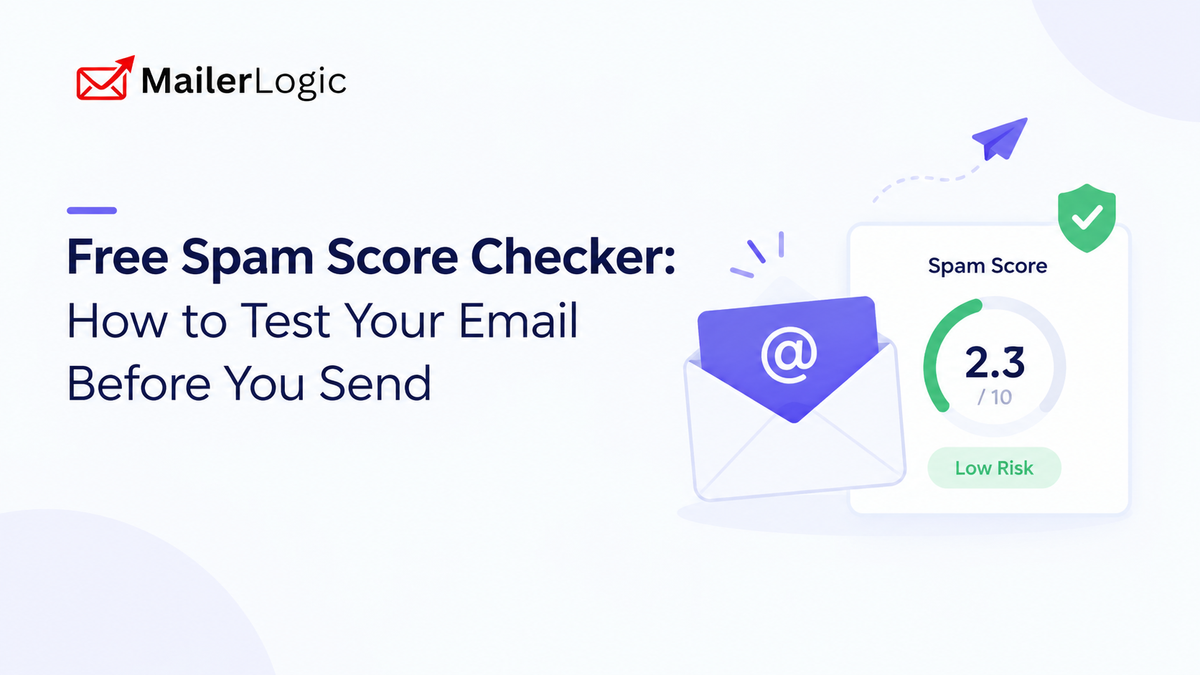
A spam score estimates how likely a message is to be flagged as spam. The catch is that tools don't agree on the scale:
- Points-based scores (SpamAssassin style): the filter adds points for each risky element. Lower is better, and a total of around 5 or more is usually treated as spam.
- Deliverability scores: the tool rolls everything into a single rating where higher is better.
MailerLogic's Deliverability Report uses the second approach. It gives each email a 0–10 score, and higher is better:
Whatever tool you use, check which direction its score runs before you act on it.
What a Spam Score Checker Looks At
A good checker reviews several layers at once:
- Content: wording, punctuation, and phrasing commonly tied to spam.
- Authentication: whether SPF, DKIM, and DMARC are set up and passing.
- Links: whether URLs point to safe, reputable destinations.
- Blacklists: whether your domain or sending infrastructure appears on major blocklists.
- HTML and formatting: broken markup, hidden text, or image-heavy layouts with little real text.
MailerLogic's report covers all of these, plus accessibility, dark mode compatibility, and image optimization. It also checks status across more than 25 major blacklists and returns specific issues with suggested fixes.
How to Run an Email Through a Spam Score Checker
Finalize Your Subject Line and Preheader First
Test them as subscribers will see them, not as placeholders.
Test the Finished Email, Not a Rough Draft
Use the real links, images, and unsubscribe link. Problems often hide in the final HTML.
Read the Breakdown, Not Just the Number
One critical issue, such as failing authentication, matters more than a few mild content warnings. Fix the serious items first.
Fix, Then Re-Run
Several small fixes can move a score a lot, so test again after each round.
Make It a Habit
Run it on every campaign template, and again whenever you change DNS records or sending tools.
Content Habits That Quietly Hurt Your Score
Most people know to avoid obvious spam words. Modern filters also look for patterns, and an email that reads as a late-night infomercial gets treated like one.
Punctuation and formatting
- Strings of exclamation marks or currency symbols
- ALL-CAPS words
- A single large image with almost no text
- Tiny text, or text colored to match the background
Phrasing
- Promises of instant results ("Make $5,000 this weekend")
- Stacked urgency ("Limited time, only 3 left, expires today")
- Generic greetings like "Dear Friend"
- Piles of superlatives like "amazing" and "unbelievable"
A simple test: if it feels spammy to you, a filter probably agrees. Plenty of legitimate emails use words like "free" or "limited time." They become a problem when several of these signals stack up.
Technical Factors That Matter Even More
Content is only part of the picture. Authentication and sender reputation increasingly decide where your email lands.
Authorized Sending Servers
Lists which servers may send email on behalf of your domain.
Message Integrity
Adds a cryptographic signature that helps receiving servers verify the message hasn't been altered.
Policy and Reporting
Tells receiving servers how to handle messages that fail DMARC checks and provides reports. DMARC passes when at least one of SPF or DKIM passes and aligns with your visible From domain.
A few practical tips:
- Publish only one SPF record per domain. Two records cause SPF to fail.
- Set up SPF and DKIM first, wait about 48 hours, then add DMARC. Start with
p=noneto watch reports, then move toquarantineorrejectonce all your legitimate senders pass. - Send from a subdomain such as
mail.yourdomain.com. MailerLogic recommends this because it keeps your sending reputation separate from your main domain. - When you add a sending domain in MailerLogic, add the DNS records it provides and verify them. DNS changes usually take 1–4 hours to propagate but can take up to 48 hours.
- Consider a custom tracking domain (for example,
track.yourdomain.com). It brands your click and open tracking links with your own domain instead of the default one, and SSL is provisioned automatically after verification.
Since 2024, Gmail and Yahoo have also required bulk senders to authenticate their mail, offer easy unsubscribing, and keep spam complaints low. Google advises staying under 0.1% and never reaching 0.3%.
A Quick Pre-Send Checklist
A Quick Pre-Send Checklist
Nine checks. One more confident send.
A working unsubscribe isn't just good practice. CAN-SPAM and CASL expect one, and GDPR gives people the right to withdraw consent as easily as they gave it.
Keeping Your Score Healthy Over Time
A clean score is a snapshot. Staying in the inbox takes ongoing care, and MailerLogic handles several parts of it:
- Pre-send Deliverability Report: a 0–10 score with specific issues and fixes before every send.
- Automatic bounce handling: MailerLogic classifies bounces as hard, soft, complaint, or block. Hard bounces are suppressed right away, soft bounces are retried, and repeated soft bounces are suppressed.
- Reputation protection: the platform can automatically slow sending when bounce rates reach about 6% and pause delivery at about 10%.
- Health score: a 0–100 score with a letter grade, based on delivery, engagement, bounce, and complaint rates, plus a 30-day trend so you can spot problems early.
- Real-time webhooks: events such as
email.bounced,email.complained, andemail.failedcan update your CRM or alert your team the moment something goes wrong. - Email validation: checks syntax, domains, and disposable addresses before you send, so bad imports don't turn into bounces.
None of this replaces checking your score. It stops one bad send from turning into a reputation problem.
Frequently Asked Questions
What is a good spam score? It depends on the tool. On points-based scales, lower is better and around 5 is the usual spam line. On MailerLogic's 0–10 Deliverability Report, higher is better, and 7 or above is considered good.
Can an email pass a spam check and still land in spam? Yes. A score reflects one message. Inbox placement also depends on your domain reputation, engagement, and complaint history.
How often should I run a spam score check? Before every campaign, and any time you change your template, sending domain, or DNS records.

Run Your Next Email
through MailerLogic's free Deliverability Report and fix issues before you hit send
Explore the PlatformConclusion
A spam score checker takes a couple of minutes and can save you weeks of deliverability headaches. Pair it with solid authentication, a clean permission-based list, and a platform that protects your reputation, and your emails will reach the inbox far more often.