Deliverability isn't a one-time fix. It's the sum of small, consistent choices: how you authenticate your domain, how you build your list, what you send, and how you clean up afterward. Get them right, and your emails reach the inbox. Miss them, and your campaigns quietly disappear.
This guide walks through the levers that matter most, in the order to tackle them.
What Email Deliverability Actually Means
Mailbox providers have also tightened the rules. Since 2024, Gmail and Yahoo require bulk senders (roughly 5,000+ messages a day) to authenticate their mail, offer easy unsubscribing, and keep spam complaints low. Microsoft has introduced similar requirements for Outlook.com. Senders who ignore them may see mail throttled, sent to spam, or rejected outright.
The Authentication Foundation
Before sending a campaign, set up three DNS-based protections:
- SPF (Sender Policy Framework): lists which servers may send mail for your domain.
- DKIM (DomainKeys Identified Mail): adds a cryptographic signature that proves the message wasn't altered.
- DMARC: tells receiving servers what to do when SPF or DKIM checks fail, and gives you reports on who is sending as your domain.
Think of it as your domain's ID card. Without it, even legitimate mail looks suspicious. Set it up, verify it, and then keep an eye on your DMARC reports, especially when you add a new sending tool or change providers.
Building and Protecting Sender Reputation
Reputation works like a credit score for your domain and IP. Mailbox providers look at:
As a general guideline, aim to keep bounces under about 2% and spam complaints under 0.1%. Google advises staying below 0.1% and never reaching 0.3%. Bounce rate is simple math:
Bounce rate = (bounced emails ÷ emails sent) × 100
If 500 out of 10,000 emails bounce, that's 5%, well above a healthy level. Time to clean your list before your next send.
List Hygiene: The Most Underrated Deliverability Lever
Before you tweak another subject line, look at your list. Tools can help, but good hygiene is a habit, not a feature.
- Use double opt-in. You'll lose a few sign-ups, but you'll also cut down on typos, bots, and fake addresses, all of which lead to bounces and spam complaints.
- Sunset inactive contacts. If someone hasn't engaged in 6 to 12 months, try a re-engagement message. If that fails, stop sending. Inactive contacts drag down engagement signals.
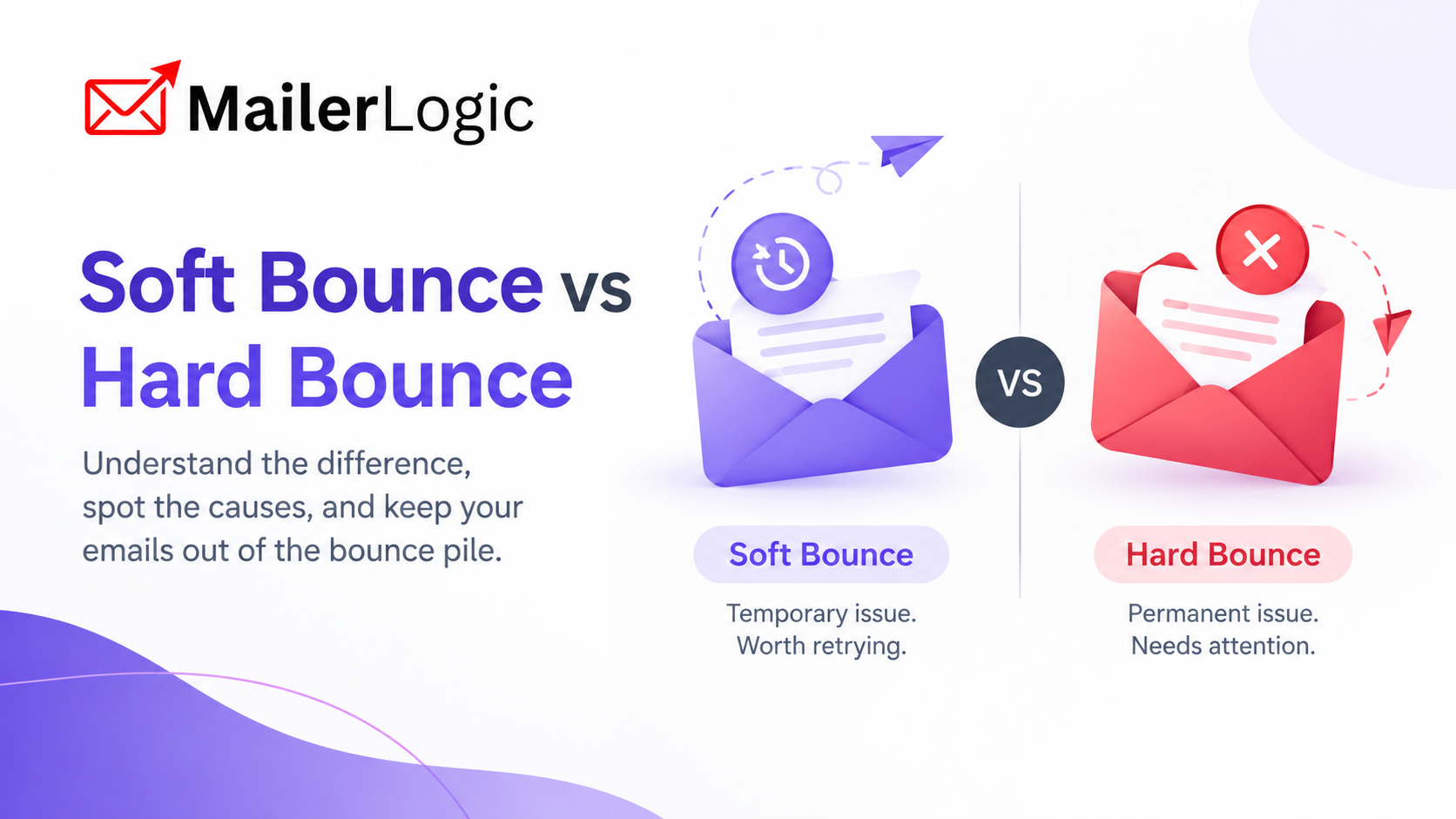
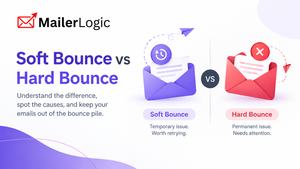
- Watch soft bounces. These are temporary failures, such as a full mailbox. A few are normal, but an address that keeps soft bouncing should eventually be suppressed.
Hard bounces come from invalid or nonexistent addresses. Suppress them right away so you never send to them again.
Bounce Handling: Let the Platform Do the Repetitive Work
Manual bounce cleanup doesn't scale. Look for a platform that classifies bounces automatically, blocks hard-bounced addresses, retries soft bounces, and keeps a suppression list for you. MailerLogic, for example, detects and classifies bounces, blocks hard bounces instantly and retries soft bounces intelligently, and its API exposes bounces and system-managed suppressions so you can sync them with your own systems.
If you send at high volume, it's also worth asking your provider whether you can use a custom bounce (return-path) domain. It keeps bounce processing under your own domain and can make your mail look more consistent to receiving servers.
Content That Survives the Filter
Spam filters weigh reputation and structure as much as individual words. Still, a few habits help:
Relevance still matters most. People who want your emails open and click. People who don't report them as spam.
Monitoring Deliverability Before and After You Send
You can't fix what you don't measure. Keep an eye on four areas:
- Bounce and complaint rates, with a threshold that triggers action.
- Inbox placement, using seed tests as a directional signal, since results vary by provider and recipient.
- Engagement trends by campaign and segment.
- Real-time event data, such as bounces, complaints, and unsubscribes.
For that last point, webhooks let your CRM or dashboard react as events happen: flag a contact, suppress an address, or alert a teammate. MailerLogic offers outbound webhooks and a REST API with endpoints for events, bounces, suppressions, and account health.
Before you send, MailerLogic's deliverability check also analyzes spam risk, blacklists, authentication, accessibility, dark mode compatibility, and image optimization, so you can fix problems first.
When Things Go Wrong
Bad import. Broken merge tag. A sudden spike in complaints. Whatever the cause, pause sending, find the source, and fix it before you resume. Keep your suppression and unsubscribe lists accurate, and import them in bulk if you're migrating from another tool. MailerLogic's API supports bulk import of unsubscribes and re-subscribing individual addresses. If someone is spoofing your domain, a DMARC policy set to enforcement is the right defense.

The Bottom Line
Deliverability isn't magic. It's authentication, list hygiene, good content, bounce management, and monitoring. Each piece is small; together they form a system.
If you're starting fresh:
- Set up SPF, DKIM, and DMARC before your first send.
- Use double opt-in from day one.
- Define suppression rules for bounces, complaints, and unsubscribes.
If you're sending at scale:
- Audit your bounce and complaint rates regularly.
- Test inbox placement across providers.
- Connect webhooks so your systems react in real time.
- Sunset dormant segments.
Once you understand the layers, deliverability stops feeling mysterious and becomes an operational discipline: clear rules, measurable signals, and results that compound with consistency.