You've built something great. Users are signing up, placing orders, and resetting passwords. But there's a silent problem: the emails they need to receive aren't making it to their inbox.
That's not a minor inconvenience. A delayed OTP means a user who can't log in. A missed order confirmation means a support ticket (and a frustrated customer). A cart recovery email that never arrives means revenue you'll never see.
Transactional emails are one of those things that nobody notices when they work, and everyone notices when they don't.
What Are Transactional Emails?
Let's clear something up first, because it's a distinction that actually matters.
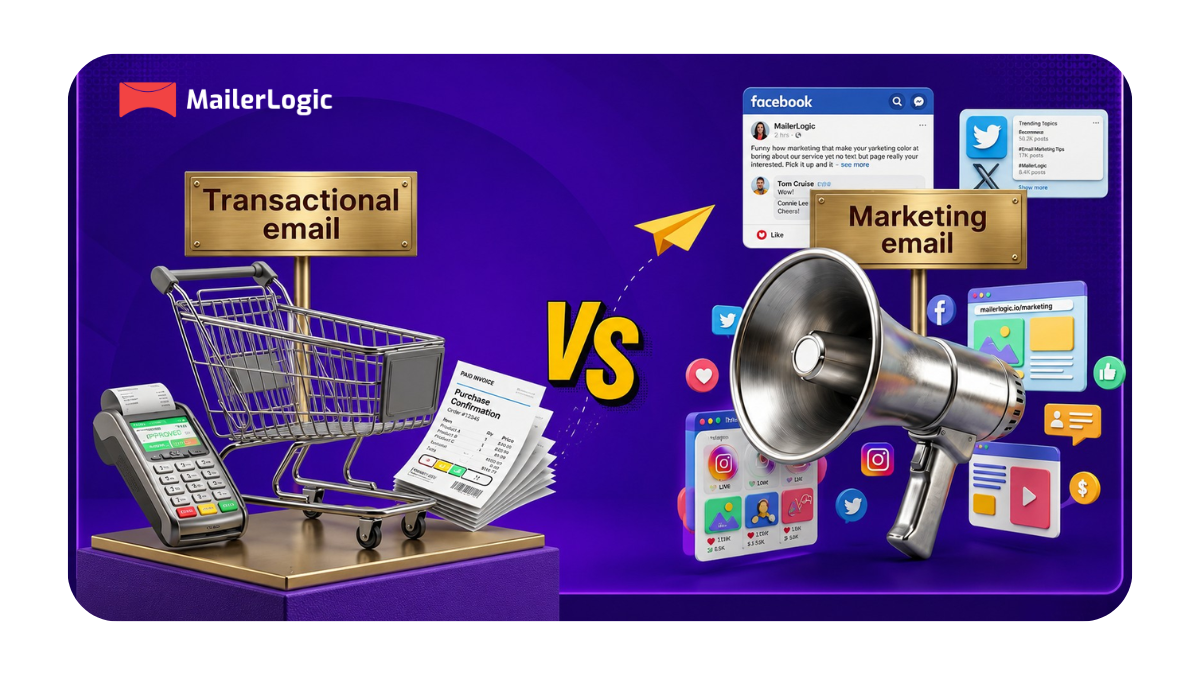
Transactional emails are not marketing emails. They're not newsletters, promotions, or drip campaigns. They're the automated, one-to-one messages your system sends in direct response to something a user did, or something that happened to their account.
Think of them as the "paperwork" of your product. When someone buys something, they get a receipt. When they forget their password, they get a reset link. When their order ships, they get a tracking number. None of that is promotional; it's functional, and users genuinely expect it.
The key difference?
Marketing emails are designed to persuade.
Transactional emails are designed to inform.
That distinction affects how they're sent, how they're received, and how email providers treat them.
Common examples include:
- Welcome emails after sign-up
- Order confirmations and receipts
- Shipping and delivery notifications
- Password reset links
- OTP and two-factor authentication codes
- Billing statements
- Customer support replies
Why Transactional Email Deliverability Is Non-Negotiable
Here's something that surprises a lot of teams: transactional emails can land in spam, too.
It's easy to assume that because your emails aren't promotional, they'll sail straight to the inbox. But email providers don't read intent; they read signals. Sender reputation, authentication records, bounce rates, and complaint rates. If those signals are off, even your most critical emails get filtered.
The stakes are high. A password reset email stuck in spam means a user is locked out of your product. An OTP that arrives 3 minutes late means a failed login and a drop-off. An order confirmation flagged as junk means an angry customer calling your support line.
This is why deliverability isn't just a "nice to have", it's a core part of your product experience.
Choosing the Right Transactional Email Service
Not all email services are built the same way. Some are built for bulk marketing. Others are purpose-built for transactional sending. For high-stakes, time-sensitive emails, you want the latter.
Here's what to evaluate when choosing:
Deliverability track record. This is the big one. Look for services that separate transactional traffic from marketing traffic. Shared infrastructure means one bad sender can drag down your delivery rates.
API quality. You'll be integrating this into your product, so the API needs to be clean, well-documented, and easy to work with. A painful integration is a problem that keeps giving.
Speed. OTPs and 2FA codes need to arrive in seconds, not minutes. Check whether the service publishes delivery speed benchmarks.
Analytics and monitoring;. You need to see what's happening in real time: opens, bounces, delivery status, and spam complaints. If something breaks, you want to know immediately.
Isolation. If you're running a platform with multiple clients, every sender should have their own isolated domain. One client's reputation problem should never become yours.

How to Send Transactional Emails via API
Step 1 — Set Up Your Account and Authenticate Your Domain
Start by creating an account with your chosen service. The first thing you'll need to do is verify your sending domain. This is non-negotiable if you want your emails to be trusted.
Domain authentication, means setting up three DNS records:
- SPF — tells receiving servers which IPs are allowed to send on your domain's behalf
- DKIM — adds a cryptographic signature to your emails that proves they haven't been tampered with
- DMARC — tells servers what to do if an email fails SPF or DKIM checks
Your email provider will give you the exact values to add. Once verified, your emails carry a legitimate sender identity, which dramatically improves inbox placement.
Step 2 — Get Your API Key
After setup, grab your API key from the dashboard. This is your authentication token for every request. Treat it like a password, store it in environment variables, never hardcode it, never commit it to version control.
Step 3 — Make Your First API Call
Here's a basic example of sending a transactional email via API (using a REST approach most providers support):
POST https://api.yourprovider.com/v1/email/send
Authorization: Bearer YOUR_API_KEY
Content-Type: application/json

{
  "from": "noreply@yourapp.com",
  "to": "user@example.com",
  "subject": "Your order has been confirmed",
  "html": "<p>Hi Sarah, your order #1042 is confirmed. We'll send tracking info shortly.</p>",
  "text": "Hi Sarah, your order #1042 is confirmed. We'll send tracking info shortly."
}
Always include both HTML and plain text versions. Some email clients render plain text only, and having both also improves your deliverability score.
Step 4 — Use Templates for Scalability
Hard-coding email content into your API calls works for a proof of concept, but it doesn't scale. Most providers offer templating, where you define the structure once and pass in variables at send time.
Instead of building the whole email in your code, your call might look like:
{
  "template_id": "order-confirmation",
  "to": "user@example.com",
  "variables": {
    "first_name": "Sarah",
    "order_number": "1042",
    "estimated_delivery": "June 7"
  }
}
This keeps your code clean, makes updates easier, and lets non-developers edit email copy without touching the codebase.
Step 5 — Trigger Emails From Your Application Logic
The real power of transactional email is automation. You're not sending these manually; your application triggers them in response to events.
Map out your key triggers:
- User registers → send welcome email
- User requests password reset → send reset link
- Purchase completed → send order confirmation
- Subscription renewed → send billing receipt
- Item ships → send tracking notification
Each trigger calls your email service's API with the right template and data. Once it's set up, it runs without any manual intervention.
Step 6 — Handle SMTP if You Prefer It
Not comfortable with full API integration just yet? Most providers also support SMTP relay; you point your application's mail settings at their server using the credentials they provide (server address, port, username, password).
It's less flexible than the API (no webhooks, fewer analytics), but it works well for simpler setups and can be a good starting point before you move to full API integration.
Best Practices to Keep Deliverability High
Getting set up is half the battle. Keeping deliverability strong over time is the other half.
Keep your list clean. Regularly remove bounced addresses, invalid emails, and long-inactive users. Sending to bad addresses damages your sender's reputation over time.
Don't mix transactional and marketing traffic. Send them through separate streams — ideally separate domains or subdomains. One marketing campaign that generates spam complaints should never affect your password reset delivery.
Monitor your metrics constantly. Set up alerts for unusual bounce spikes or complaint rate increases. Catching problems early is far cheaper than recovering from a damaged sender reputation.
Respect the unsubscribe. Even for transactional emails, giving users control over what they receive signals to email providers that you're a responsible sender. It also reduces spam complaints, which is good for everyone.
Test before you ship. Send test emails across multiple clients (Gmail, Outlook, Apple Mail, mobile) before going live. What looks fine in one client can break in another.
Monitoring: Don't Send Blind
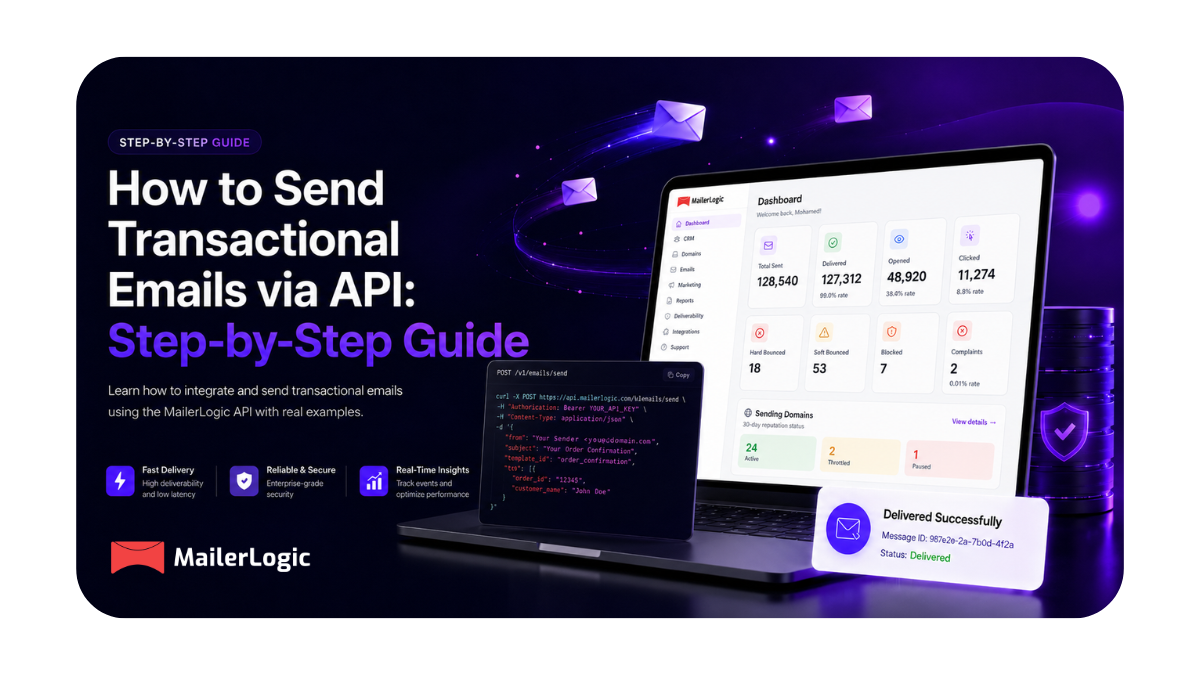
Once your transactional emails are live, set up proper monitoring. Your email provider's dashboard should show you:
- Delivery rate (what percentage are actually reaching inboxes)
- Open rate (a proxy for inbox placement; low opens can signal spam filtering)
- Bounce rate (hard bounces mean invalid addresses; clean them immediately)
- Spam complaint rate (keep this below 0.1%)
A sudden drop in open rates on your order confirmations isn't a content problem; it's usually a deliverability problem. Catch it fast.
Final Thought
Transactional emails are often the most important touchpoint your product has with users. They're not flashy, they don't drive viral growth, but when they work perfectly, invisibly, instantly, reliably, they build trust in a way that's hard to replicate.
If you want infrastructure that handles all of this, separation, speed, isolation, and real-time tracking, MailerLogic is built exactly for this.