
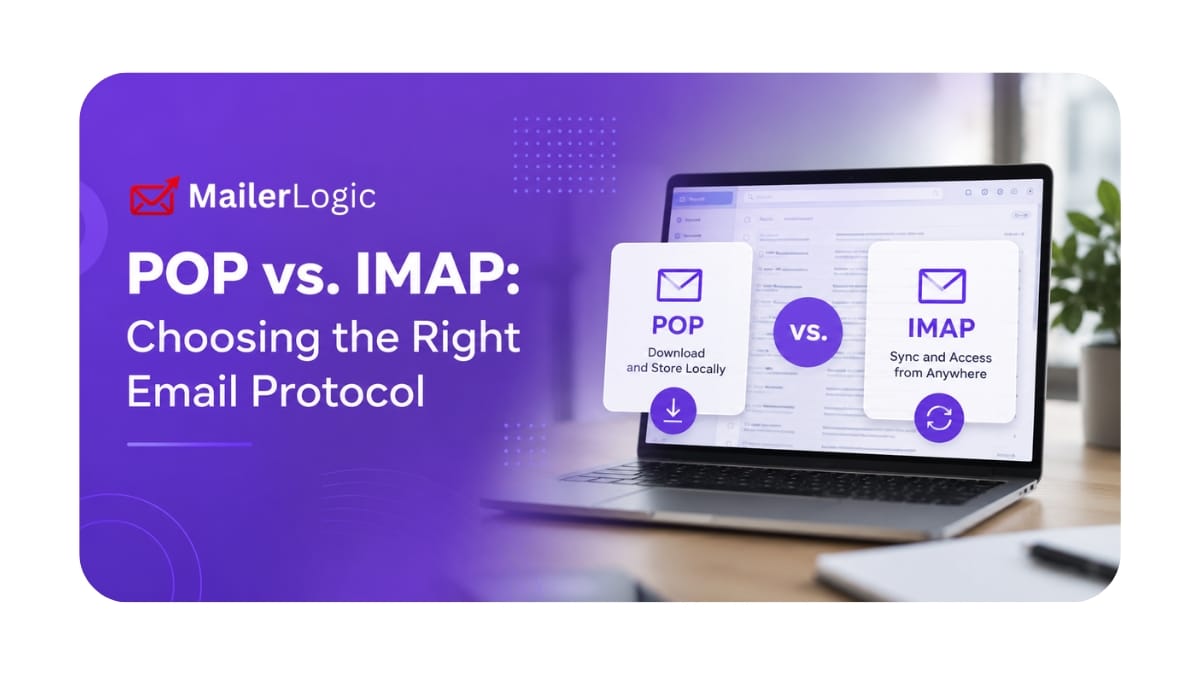
Let's be real: most developers don't think twice about email protocols until something breaks. But picking the wrong one, POP vs. IMAP, can silently sabotage user experience, bounce handling, and multi-device sync. This isn't academic. It's about whether your app's email integration actually works in the wild.
POP3: The Old-School Download-and-Delete Model
POP3 (Post Office Protocol version 3) dates back to the single-computer era. The idea is simple: your client grabs messages off the server, stores them locally, and, by default, deletes them from the server. It's a one-way trip for your email.
How POP3 Actually Works
1. Connect to port 110 (or 995 for SSL)
2. Authenticate
3. Download all new messages
4. Mark them for deletion on the server
5. Disconnect
The server is just a temporary drop box. Once downloaded, those emails live on your device and nowhere else. That's a problem in 2026, when everyone's juggling a phone, a laptop, and a tablet.
IMAP: The Synchronized, Multi-Device Standard
IMAP (Internet Message Access Protocol) flips the script. Messages stay on the server. Your client syncs with it, reading, organizing, and deleting, so every device sees the same inbox state in near real-time.
How IMAP Actually Works
1. Connect to port 143 (or 993 for SSL)
2. Authenticate
3. Fetch headers or bodies on demand
4. Sync changes (read status, moves, deletions) back to the server
5. Stay connected for push updates
IMAP is a two-way conversation. Your local client is a view into the server's master copy. That's why it dominates modern email.
Quick Comparison: POP3 vs. IMAP
| Feature | POP3 | IMAP |
|---|---|---|
| Primary Use | Download & delete | Server sync |
| Multi-device | No | Yes |
| Storage | Local only | Server-side |
| Bandwidth | Downloads everything | Fetches selectively |
| Offline access | Yes | Limited |
| Folders | Not supported | Full support |
The Hard Limitations of POP3
Don't let POP3's simplicity fool you. For most modern apps, it's a liability:
1. It Locks Email to One Device
Downloaded emails vanish from the server. Lose your laptop? Lose your inbox. In an age where users expect access everywhere, this is a deal-breaker.
2. Zero Sync Across Devices
Read a message on your phone? Your desktop won't know. POP3 has no mechanism for syncing state, read status, stars, or folders across clients.
3. Default Deletion After Download
Unless you manually configure "leave on server," POP3 wipes messages after retrieval. This breaks multi-device use and can interfere with backup or compliance policies.
4. All-or-Nothing Retrieval
POP3 downloads entire messages, including massive attachments, whether you need them or not. On a slow connection, that's brutal. IMAP lets you grab just headers first.
5. No Folder Management
POP3 doesn't do folders, labels, or server-side organization. Everything dumps into a single local inbox.
When IMAP Is the Clear Winner for Apps
For 95% of modern applications, IMAP is the right call. Here's where it matters most:
Multi-Device User Experiences
If your users check email on more than one device, and they do, IMAP isn't optional. It's the only protocol that keeps read/unread status, folders, and deletions consistent everywhere.
Webmail Interfaces
Building something like a custom Roundcube or SquirrelMail integration? IMAP's ability to fetch headers first, selectively load bodies, and manage folders is exactly what web interfaces need for speed and scalability.
Bounce Handling & Deliverability
Here's a concrete example: tools like MailerLogic process bounces by monitoring a dedicated inbox. IMAP's folder support lets you automatically route bounce notifications away from primary inboxes, making suppression lists cleaner and reporting more accurate. POP3 would dump everything into one flat inbox, a mess to parse.
Cloud-Native & Scalable Architectures
Running your app across multiple containers or instances? IMAP centralizes email state on the server. No need to worry about syncing local POP3 downloads across ephemeral servers.
Configuration That Actually Works
Getting the settings right prevents headaches later. Here are battle-tested configs:
IMAP Setup
Incoming Server (IMAP):
  Server: mail.example.com
  Port: 993 (SSL/TLS)
  Encryption: SSL/TLS
  Authentication: Normal password

Outgoing Server (SMTP):
  Server: mail.example.com
  Port: 587 (submission)
  Encryption: STARTTLS
  Authentication: Normal password
POP3 Setup
Incoming Server (POP3):
  Server: mail.example.com
  Port: 995 (SSL/TLS)
  Encryption: SSL/TLS
  Authentication: Normal password
  Leave messages on server: Optional (recommended if you must use POP3)
Non-Negotiable Best Practices
- Always use SSL/TLS. Period. Unencrypted connections on port 110 or 143 are an open invitation to credential theft.
- Use modern authentication. AUTH LOGIN or OAuth2. Avoid plaintext methods.
- Test before you ship. Run
openssl s_client -connect mail.example.com:993to verify the TLS handshake and certificate validity. Don't guess. - Log connection failures. Monitor auth errors and timeouts. Catch misconfigurations before users do.

The Bottom Line: Which Protocol to Use
Use POP3 only if:
- You're doing one-time email aggregation with immediate local processing
- Server storage is genuinely constrained (rare in the cloud era)
- Users explicitly need offline-only access with zero sync
Use IMAP for everything else:
- User-facing email clients
- Apps needing real-time sync
- Multi-tenant SaaS products
- Systems that read headers, manage folders, or track read status
Final Take
POP3 is a relic from when email lived on one machine. IMAP was built for how we actually use email today: across devices, in sync, with server-side intelligence.
For modern applications, especially anything transactional, user-facing, or bounce-sensitive, IMAP is the default. It supports the workflows users expect, plays nicely with deliverability tools, and eliminates the synchronization nightmares POP3 creates.
Building an email-integrated app? Start with IMAP. Only touch POP3 if you have a very specific, legacy reason to do so.